A little room to think.
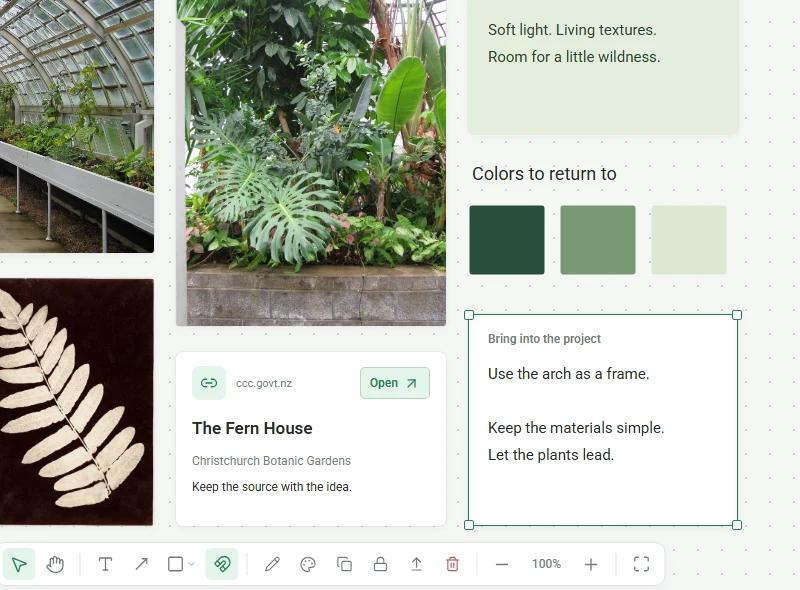
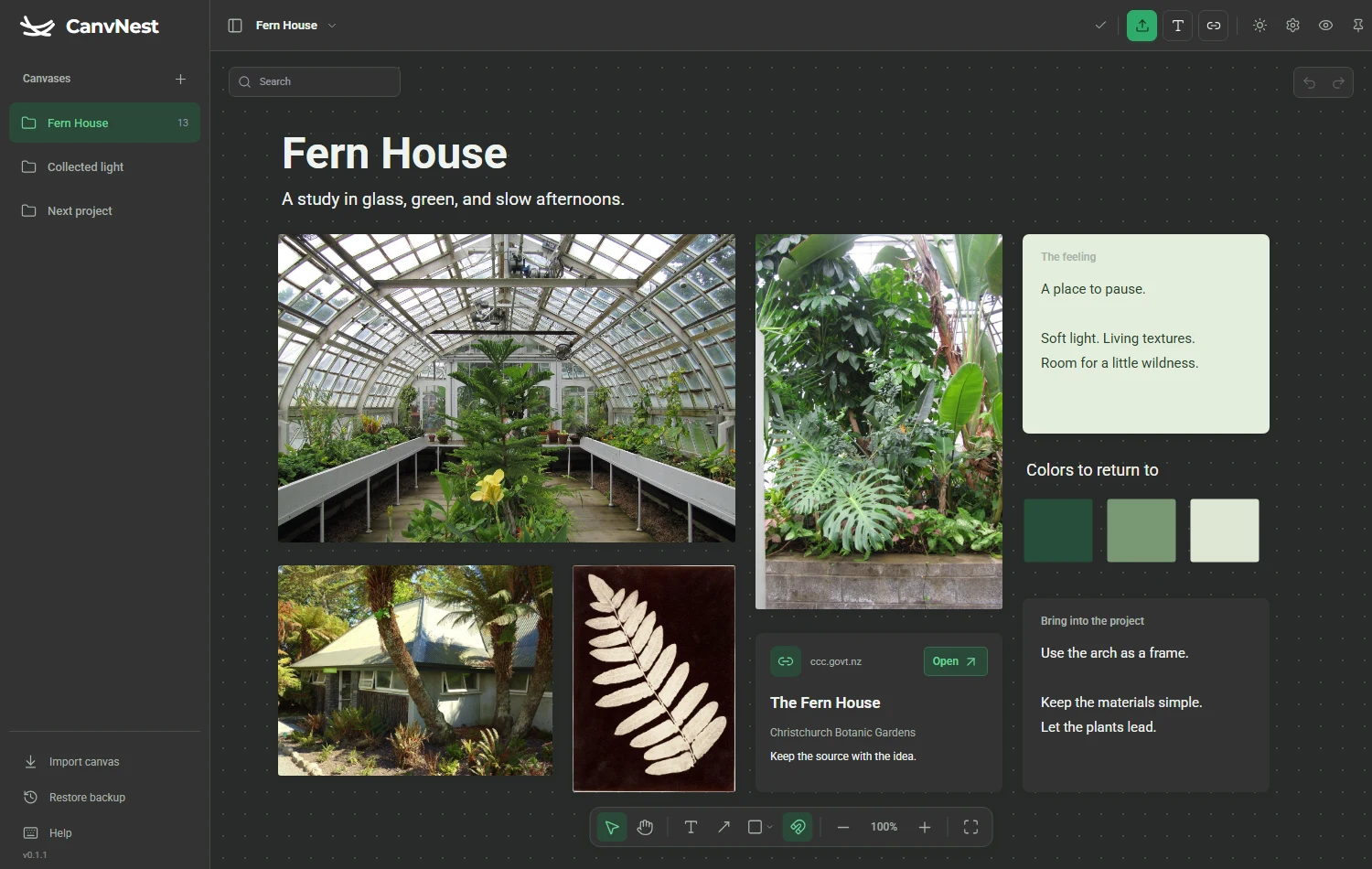
Your canvasImages, video, notes and links can share the same space. Group, align and connect them as your idea takes shape.
Magnetic alignment. Shapes and arrows. Undo when you change your mind.
 CanvNest
A desktop canvas for your images, videos, notes and links.
Keep your references together, right where you create.
Windows x64 · 0.1.1 Beta
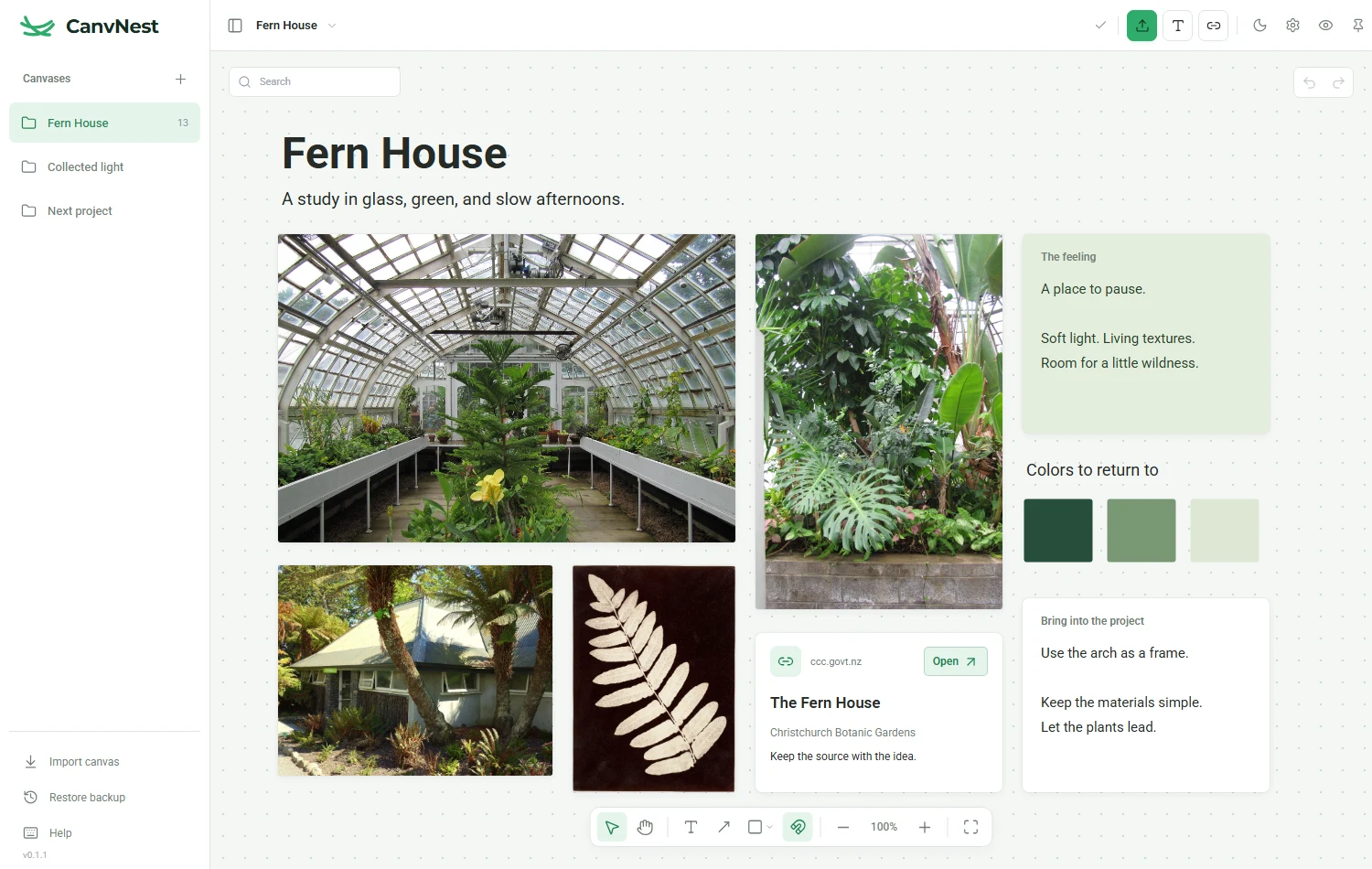
A few good finds. A place to bring them together.
The image you keep coming back to. A line worth saving. The pieces of something you haven’t made yet.
Drag in an image, paste a link, or save a thought. Bring what catches your eye onto one canvas.
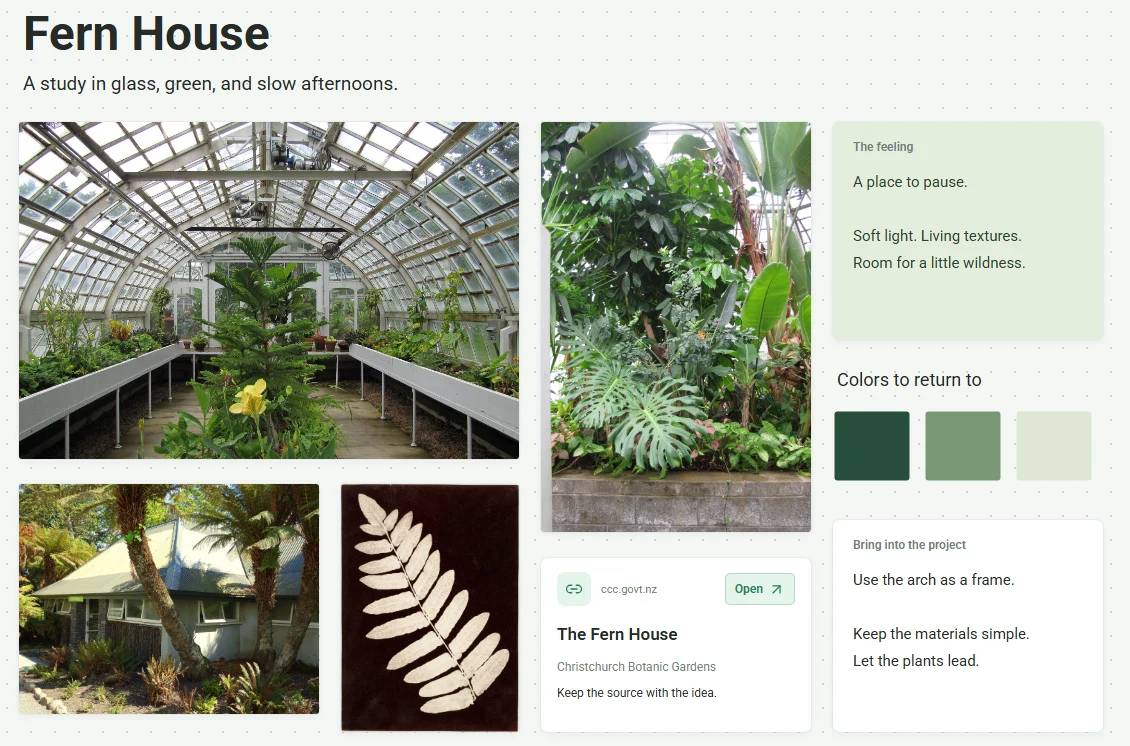
A place to collect your thoughts, and enough freedom to see where they lead.
Images, video, notes and links can share the same space. Group, align and connect them as your idea takes shape.
Magnetic alignment. Shapes and arrows. Undo when you change your mind.
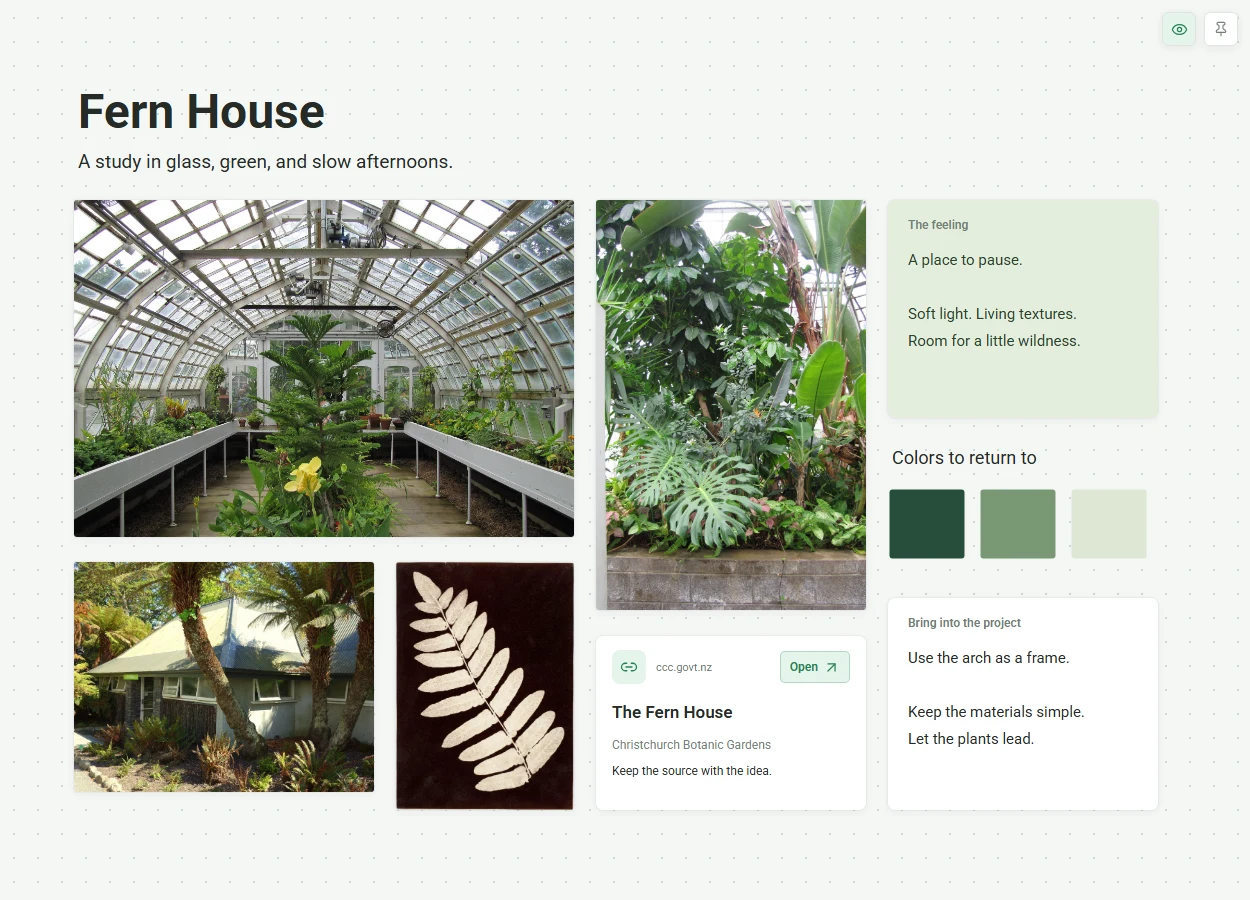
Keep the board above your other windows. Enter immersive mode to hide the tools and leave your references in view.
Pin and immersive mode work independently. Choose what stays on screen.
Changes save on your computer. Export a board package with its media when you want to move to another computer.
Local history helps you recover earlier work. Keep a separate backup of the things that matter.
A few things to know about your new workspace.
CanvNest is a local-first reference board and moodboard app for Windows. Collect images, local videos, notes and links on a freeform canvas for design research and creative projects. Arrange your references, then keep them in view while you work.
Download the Windows x64 installer, or extract the portable ZIP and open CanvNest.exe. Create a canvas, drag in a local image or paste a link, then arrange your references. Changes save automatically on your computer.
CanvNest is currently available for Windows x64, as an installer or a portable ZIP. A macOS release is not available yet.
Your boards and imported media are stored on your computer. There is no account to create. CanvNest currently supports an individual workflow, without cloud sync or live collaboration.
Yes. You can work with your saved boards and local media offline. Importing web images, fetching link previews and opening websites need an internet connection.
The interface supports English and Simplified Chinese. Switch in Settings whenever you like. The words you put on your boards stay exactly as you wrote them.
A home for the things that inspire you.
CanvNest for Windows, 0.1.1 Beta.
x64 installer · 14.6 MB